
Table tennis tournament software: a spreadsheet alternative
Why spreadsheets work for preparation, but hit limits on tournament day across registration, draws, tables, results and payment status.
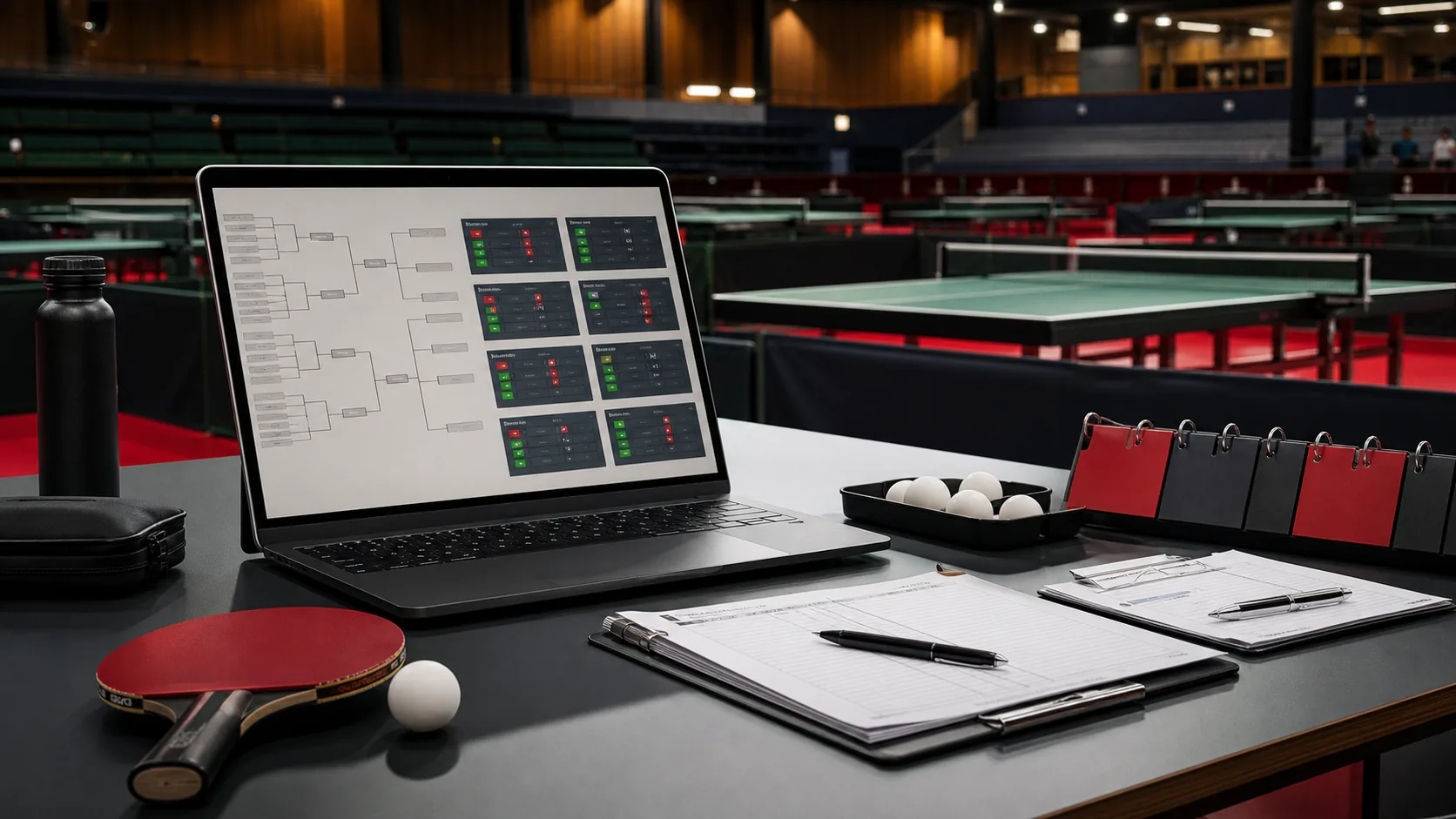
Spreadsheets are often the first digital step for a club tournament. They are familiar, fast to create and flexible enough for early planning. For an invitation list, first participant overview or equipment checklist, that is perfectly reasonable.
On tournament day, that flexibility can become a risk. Once registration, categories, draws, table control, live results and payment status need to move at the same time, a spreadsheet rarely remains the single source of truth. Copies, chat messages, printed sheets and temporary versions start to show different states.
Why spreadsheets work at first
A spreadsheet is strong while a small group is preparing and the data is still calm. Organizers can collect participants, sort categories, sketch start times and plan helper roles. For a small internal evening, that may be enough.
The break happens when planning turns into live operations. At that point the tournament desk needs decisions, not just data: Who has checked in? Which category is ready? Which match is waiting? Which table is free? Which result has already been checked? Which entry fee is still open?
Common breaking points on tournament day
Most spreadsheet problems do not appear because the file was built badly. They appear because several operational roles work on the tournament at the same time.
- Registration: Late entries, withdrawals and check-in changes need to affect categories and draws immediately.
- Draws: Groups, knockout brackets or Swiss rounds need a confirmed participant state and a clear release step.
- Table control: Free tables, waiting matches and blocked players change constantly.
- Results: One score error can change group standings, knockout qualification and public views.
- Payment status: in the current service, manual tracking is enough for many clubs, but the status should be visible and unambiguous at the desk.
When these items live in separate files or printouts, organizers spend the day reconciling them. That is where transfer mistakes, outdated notice-board information and unnecessary questions come from.
The core of a software alternative: one shared tournament state
Good table tennis tournament software does not simply replace a spreadsheet with a prettier spreadsheet. The important difference is one shared operational state. Registration, categories, matches, tables, results and public views should all come from the same source.
This matters most when speed and correctness are both important. A check-in change should not only appear in one list. It should reach the places where draws, match queues, table assignment and player information depend on it.
Which workflows should be connected
For Austrian clubs, the decisive features are usually not exotic extras. The value is in connecting the basics reliably.
- Tournament setup: date, venue, table count, rules, categories and registration window belong in one controlled place.
- Registration: participants, categories, waitlists, check-in and manual payment notes need to be easy for the desk to read.
- Categories and draws: groups, knockout brackets or other formats should be released only from a reviewed participant state.
- Table control: free tables, active matches and next assignments need a dedicated operational view.
- Live matches and score entry: results should be quick to enter, correctable and traceable.
- Public views: players and spectators need current matches, tables, status and results without seeing internal working lists.
What still belongs to the organizer
Software does not put a tournament on autopilot. Venue booking, invitations, helpers, equipment, food, rules questions, announcements and calm decisions remain club work. The payment process can also stay deliberately manual in the Turniero: the important thing is a clear status, not automated checkout.
The benefit appears where software keeps repeatable workflows together. The organizer should see faster what needs to happen next and make corrections in the place where they affect the whole event.
Replacing spreadsheets without a big-bang migration
A club does not need to move every process at once. A controlled first step is better: model categories, registration and participant status cleanly first, then test draws, table control and score flow at a real event.
For the first tournaments, exports, printouts or match sheets can still be useful backups. What matters is that the leading state is clear. When everyone knows where the current tournament state is maintained, parallel versions become less likely.
How Turniero approaches this in practice
Turniero is a open organizer access for table tennis clubs in Austria. The focus is not public organizer checkout, subscriptions or online payment. It is a reliable organizer workspace for real club events.
The product idea is straightforward: registration, categories, draws, tables, live matches, score entry, manual payment status, player views and public updates should use the same tournament state. That makes the spreadsheet alternative not just another file, but a calmer tournament day.

